01
Choose a starting point
Pick a template from the available catalog, or bring a compatible template of your own.
Build a website that feels like you. Choose a template, make it your own, and share it with the world—all from your Android phone.
Made for the ideas
you want to share.
A simple place to start
A simpler way to create your corner of the web, from the first edit to the final publish.
Pick a template from the available catalog, or bring a compatible template of your own.
Edit your text and images, then arrange the sections to fit your page.
Review your preview, publish when you’re ready, and share your Instara address.
Built for your everyday workflow
Your website should be as easy to update as your ideas. Instara keeps the essentials together, right on your phone.
Change text, images, links, and page sections in the Instara Android app.
Check how your site looks before making an updated version public.
Publish on an available Instara subdomain and send the link to your audience.
 Portfolio imageImage selected
Illustrative app preview
Start with a template
Find a starting point that feels right, then add the details that make it yours.
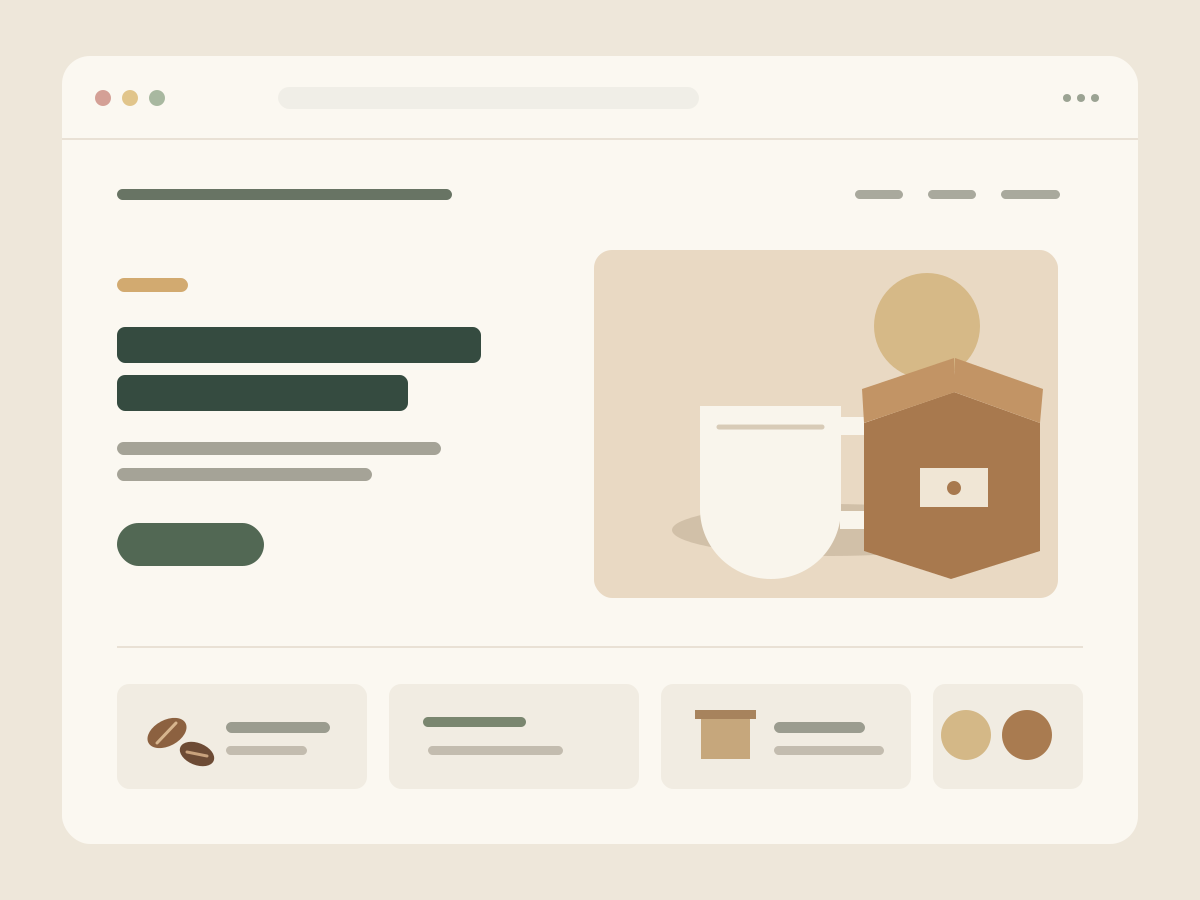
A warm starting point for a cafe, roaster, or independent coffee brand.
A home for selected work, services, and studio details.

Introduce a place, a stay, or a local experience.
Illustrative template previews. Available templates may change.
Frequently asked questions
Answers about editing, publishing, and sharing a website with Instara.
No. Start with a template, then edit its text, images, and sections in the Instara Android app.
Your site is published on an available Instara subdomain, such as your-name.instara.app. Choose an available address in the app.
Yes. You can upload a compatible template ZIP, as well as choose from the templates available in the app catalog.
No. Your draft and published site are separate. Preview your edits, then publish again when you want visitors to see the updated version.
Custom domains are not currently supported. Published sites use an Instara subdomain.
Make room for your next idea
Instara for Android is coming soon. Until then, explore the possibilities and find your starting point.
Explore templates